
Security Keys and Biometric Authentication Do Not Work in Respondus Lockdown Browser
Respondus Lockdown Browser does not support security keys or biometric authentication (Windows Hello and Face ID/Touch ID). Learn how to set up Okta Verify, text, or another verification method. Contact the IT Help Desk for assistance.
Respondus Tools #
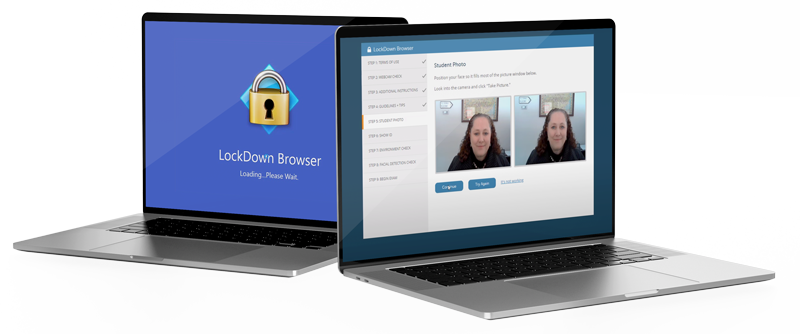
Respondus LockDown Browser #
A locked browser for taking tests in
WebCampus, the tool prevents students from
printing, visiting another website, or accessing
other applications on the same device.
Respondus Monitor #
A feature of LockDown Browser, the tool uses a
student’s webcam to record them as they take
the exam. Using data analysis, it flags irregular
behavior and reports it to instructors for review.
Student System Requirements #
Respondus Monitor requires a functioning webcam, microphone, and internet connection.
Get Started for Instructors #
- Add to the syllabus.
- Build a practice quiz in WebCampus.
- Configure Respondus settings on exam.
- Provide instructions for your students.
- Address student technology challenges.
- Evaluate videos (Respondus Monitor only).
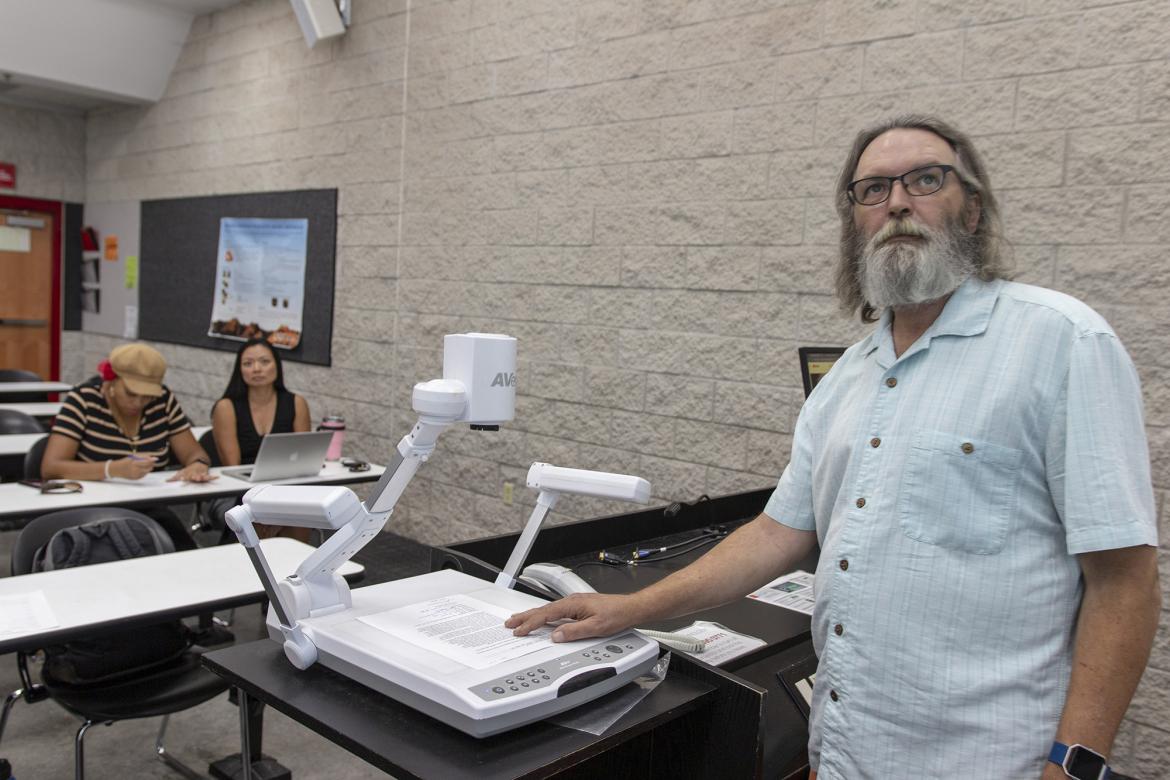
It is recommended that instructors review all of the information about Respondus before making a decision on using the tools. By doing so, instructors can determine when is the appropriate time to introduce Respondus to their class.
Get Started for Students #
LockDown Browser is installed on all computers in campus labs and most Lied Library computers.
- You can install LockDown Browser on your device. The download includes Respondus Monitor.
- You must have a functioning webcam, microphone, and internet connection to use LockDown Browser with Respondus Monitor.
- You should check for updates before starting exams.
Security and Privacy Information #
Review the security and privacy statement for LockDown Browser and Respondus Monitor.
Accessibility #
It is known that Respondus has issues with accessibility. If you have students with an accommodation request and plan to use these tools, please contact the Disability Resource Center to ensure accommodations are being met.
Technical Support #
Contact the IT Help Desk for assistance.
Get Help


