
Panopto is UNLV’s video content management tool. You can record,
upload, and post video content for any, or all, of your courses.
Panopto for Faculty #

Panopto for Faculty #
Learn how to use Panopto software in your courses or have your classes recorded while you teach.
Panopto for Students #

Panopto for Students #
Learn how to use Panopto as a student to submit video assignments and watch lectures.
Panopto for Staff #
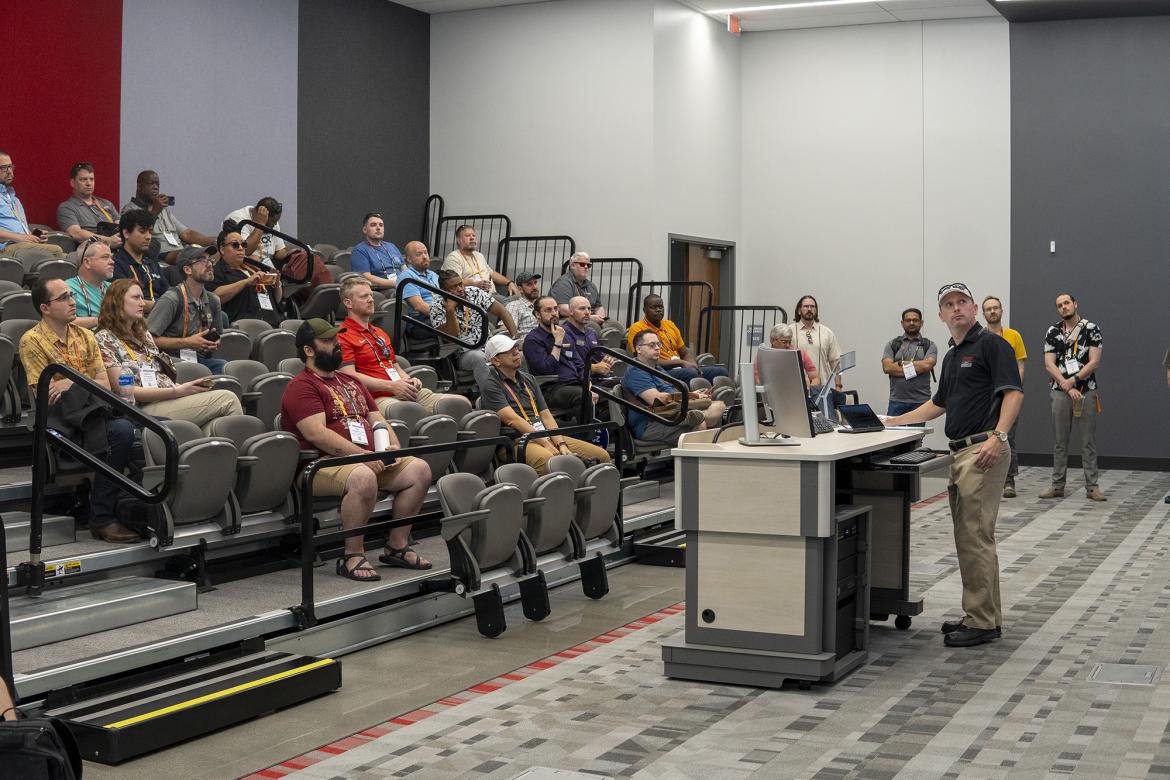
Panopto for Staff #
Learn how to use Panopto for trainings, to record special events, and for other purposes.
What is Panopto? #
Panopto is a media content management system for recording and storing course-related video, audio, computer screen capture, and other content for student viewing. Integrated with WebCampus, this service allows users to record lectures, presentations, demonstrations, and more. It also includes multiple tools and options which allow users to do basic video editing, add captions, and configure settings such as who can watch the videos and when they can be viewed.
Key Features #
| Record lectures from anywhere, including live in a classroom | Zoom and WebCampus integration | Copy and move videos between courses |
| Retain the intellectual rights to your content | Add interactive quizzing to videos | Basic editing such as trimming, adding clips, editable captions, and more |
Learn More About Panopto #
UNLV IT provides resources to learn all about accessing and using Panopto. For an introduction to Panopto, see Panopto 101. For all of our written guides, see Panopto Guides.
Frequently Asked Questions #
Where can I find Ponopto?
In your WebCampus course, select Panopto Recordings from the menu on the left. If it is not available:
Drag Panopto Recordings into the course navigation, then Save
Access Settings then go to Navigation
I do not have a WebCampus course. How do I access Panopto?
Contact the WebCampus team. They can create a sandbox course for you and give you the Teacher role. As long as you have that role in at least one active course, you can create Panopto content.
Can Panopto record my lectures in a classroom?
Yes, you can record your live lectures in any classroom equipped with lecture capture or RebelFlex equipment.
To schedule your classes to be recorded on certain days or all semester, file a scheduling request form.
I recorded a lecture in a classroom. Where is it?
If you have filed a scheduling request form, your lectures will be automatically uploaded to the course folder you provided in your form.
If you did not complete a scheduling request form, your video will need to be transferred out of the classroom. To transfer a video, submit a video transfer form.
Can I only do Panopto recordings in a classroom?
No. You can also record Panopto videos right from your office or home. For longer videos, download the Panopto software from the UNLV hosted Paopto site. For shorter videos, use Panopto Capture, the web-based Panopto solution.
How long are my videos stored in Panopto?
Panopto has a content retention policy. Any videos not viewed or edited in 2 years will be archived. If they are not un-archived in 2 years, then they will be permanently deleted (total of 4 years inactivity). More more information, see our Archived Panopto Videos documentation. Users are responsible for tracking if their videos have been archived, and it is strongly recommended to ensure course videos are available prior to publishing the course.


